Introduction
Creating a rotating 3D sphere in After Effects is simple using the built-in CC Sphere effect. By combining gradients, rotation animation, and glow effects, you can achieve a dynamic and visually rich result. In this tutorial, you’ll learn how to build and animate a glowing sphere step by step.
Step 1: Create a New Composition
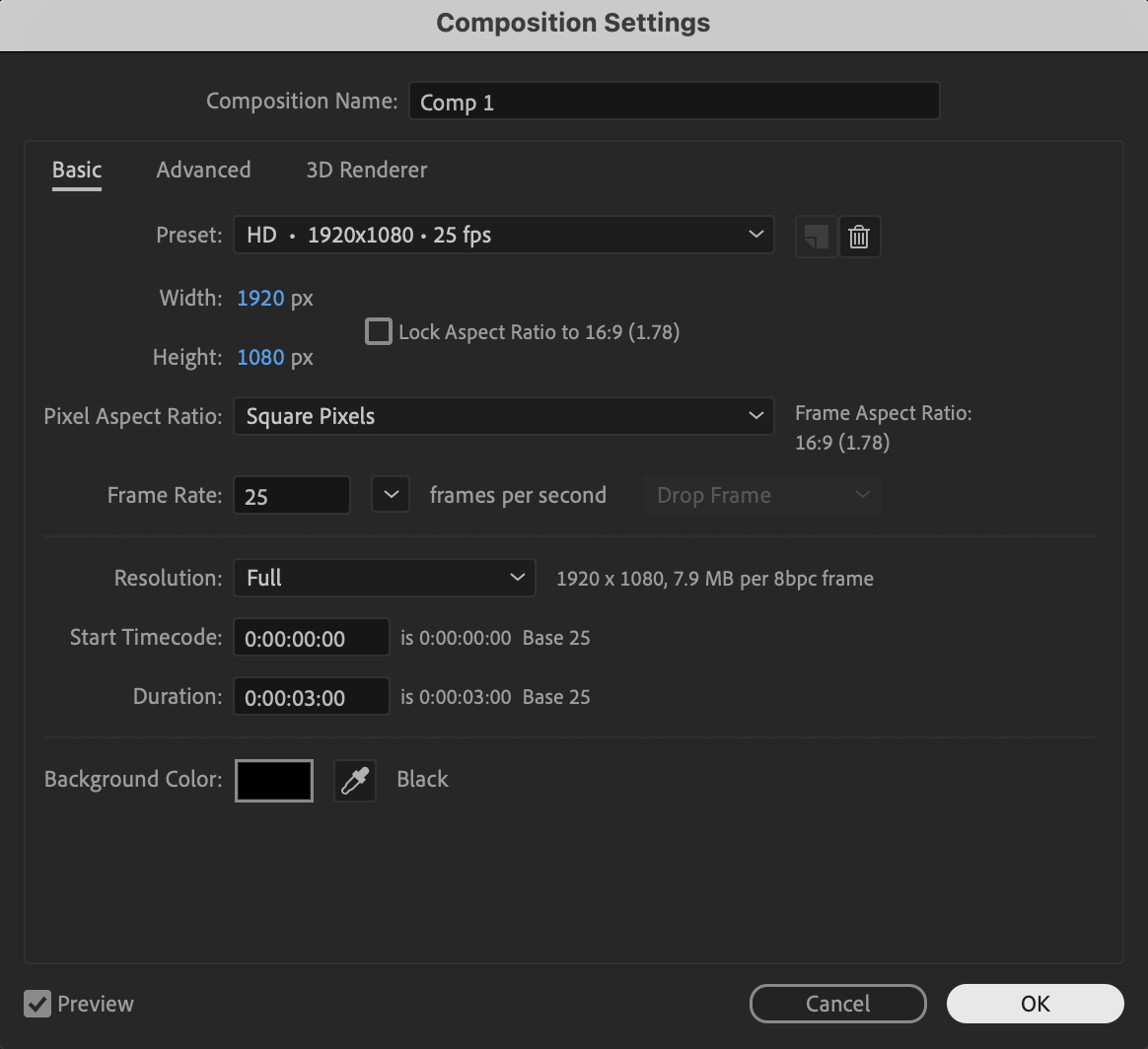
Click New Composition, choose your preferred resolution and frame rate, and press OK to create your working timeline.
 Step 2: Create a Solid Layer
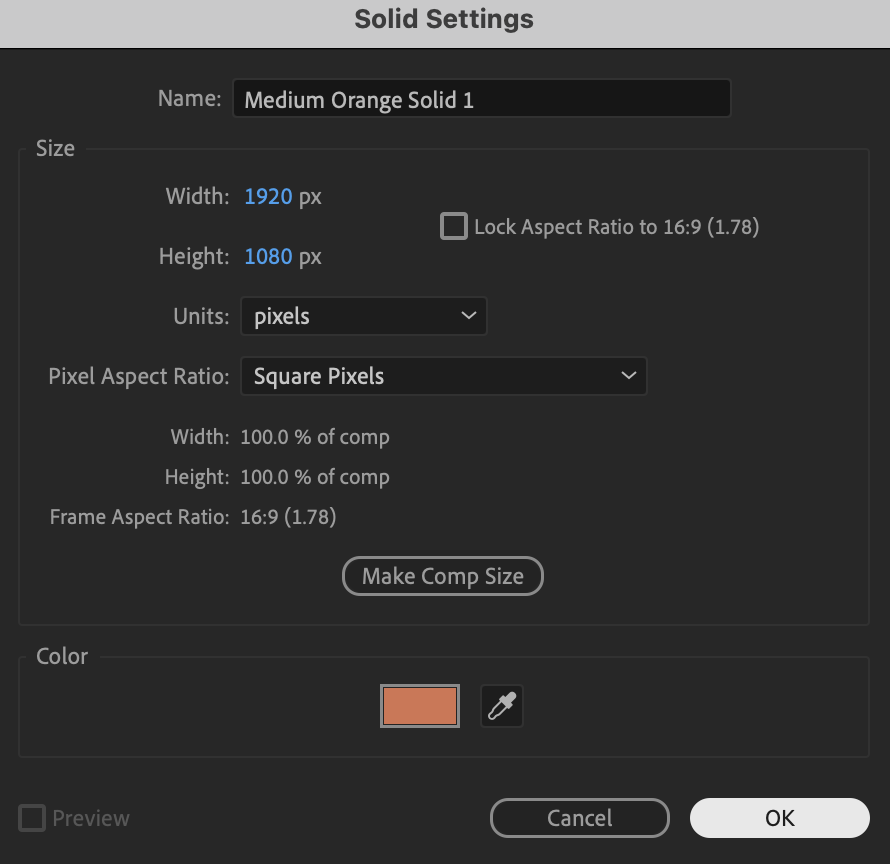
Go to Layer → New → Solid, choose any color (the color does not matter because we will apply effects), and click OK to add it to the timeline.
Get 10% off when you subscribe to our newsletter

Step 3: Apply a 4-Color Gradient
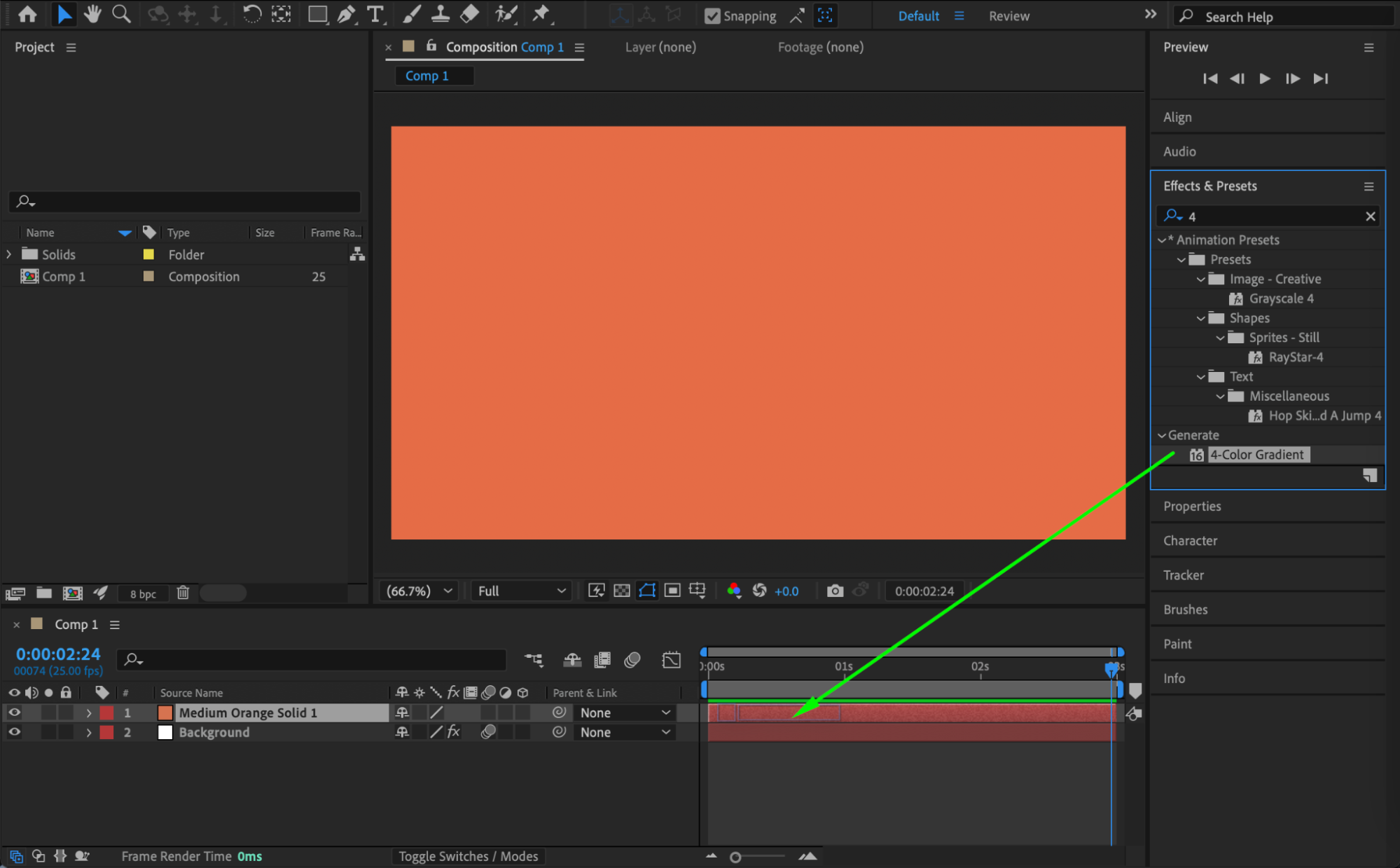
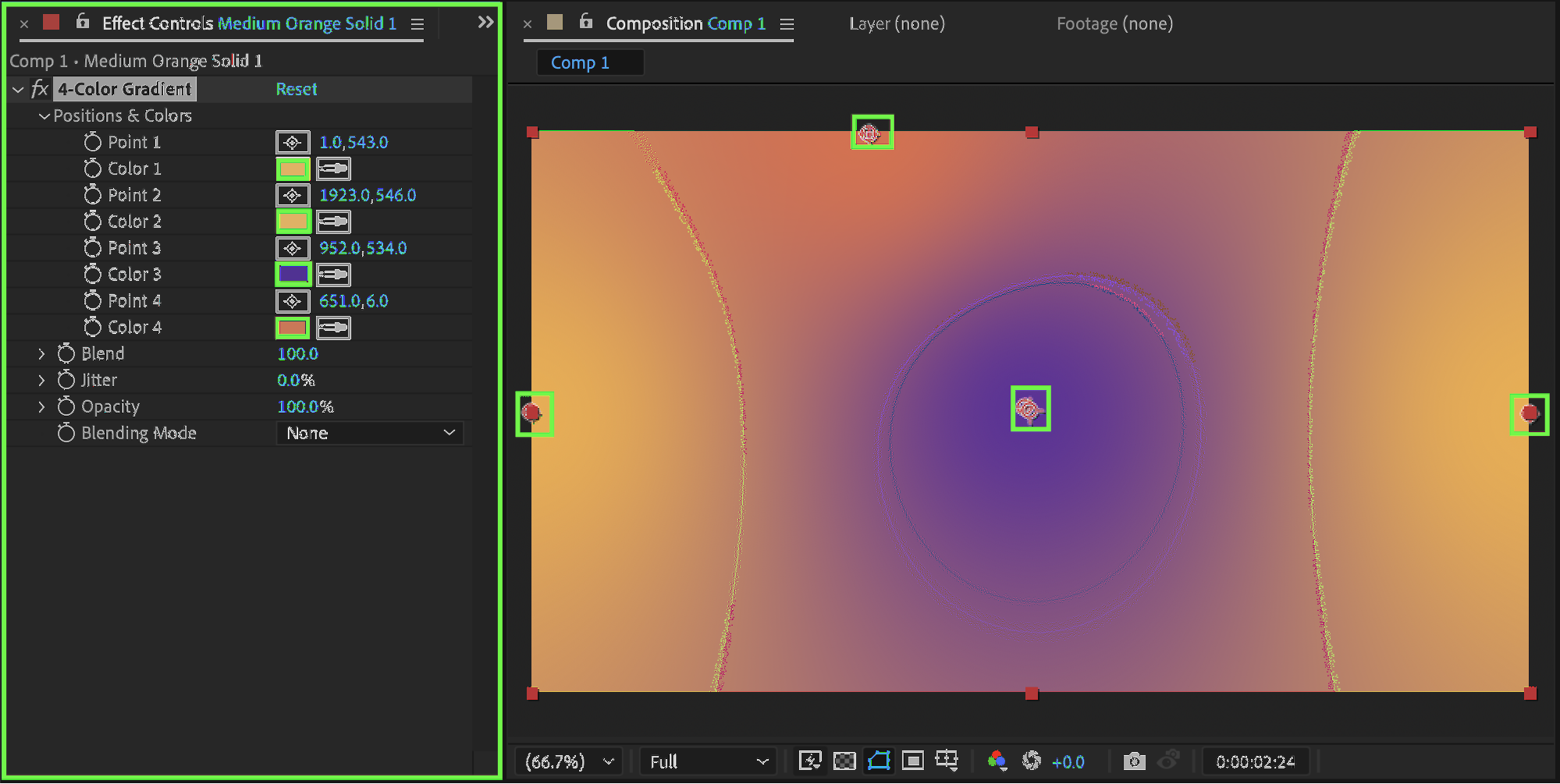
Open the Effects & Presets panel and apply 4-Color Gradient to the solid layer, then choose your desired colors while setting two of the color points to the same color and positioning one at the middle of the right edge and the other at the middle of the left edge to create smooth horizontal blending.
 Step 4: Apply CC Sphere and Animate Rotation
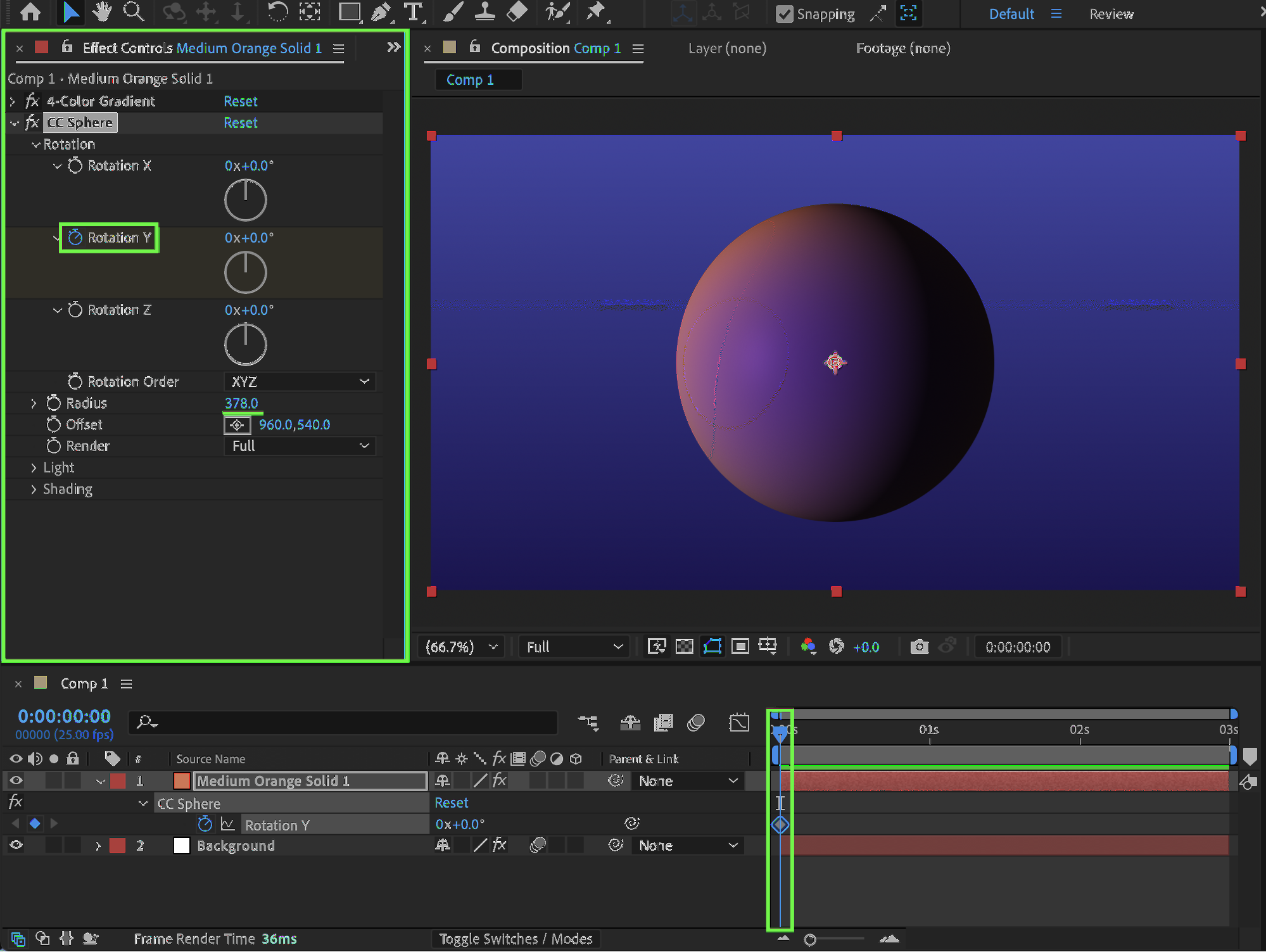
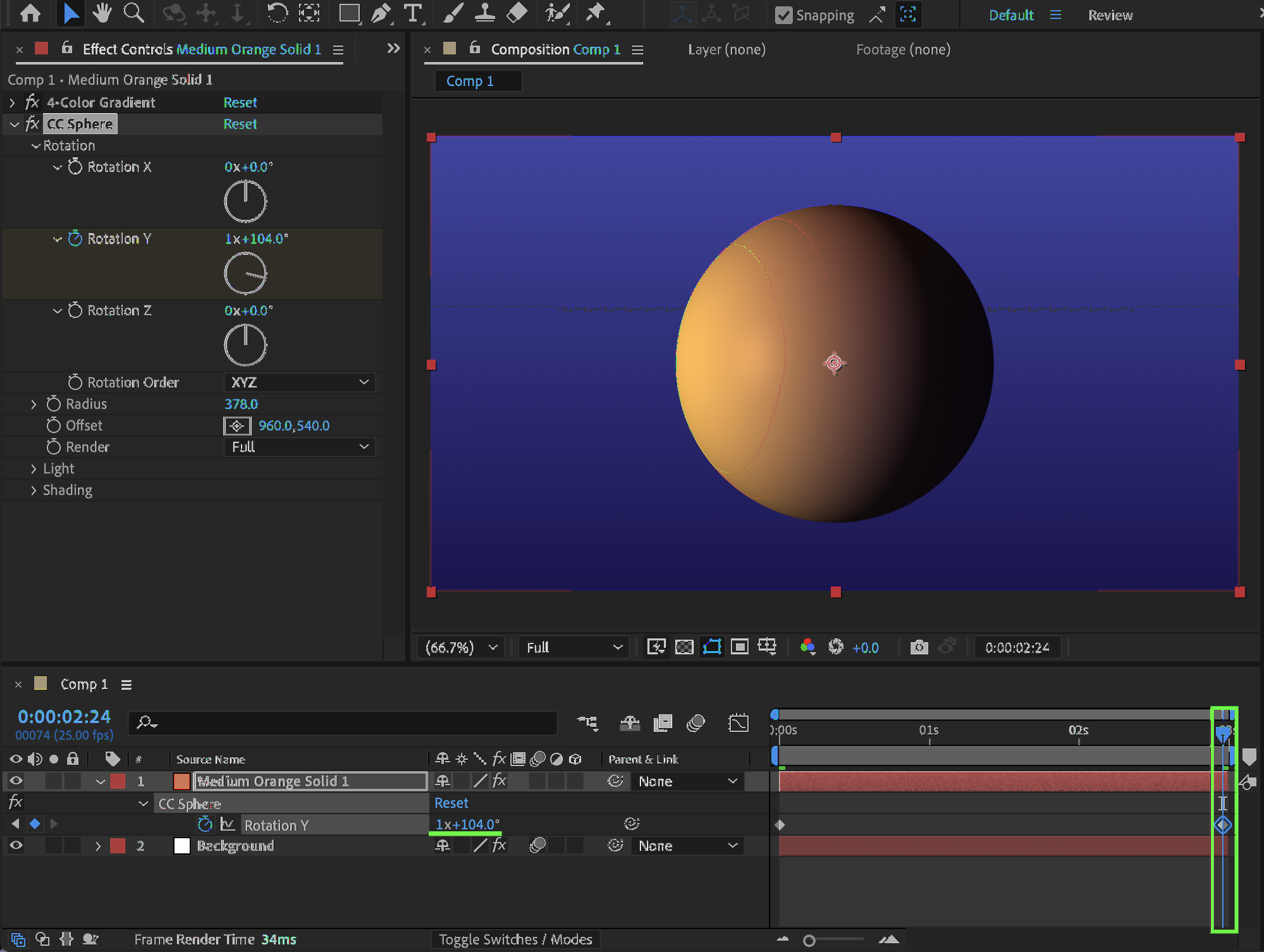
Apply CC Sphere from the Effects & Presets panel and set the Radius to 378, then animate Y Rotation by setting it to 0° at the beginning of the composition and approximately 374° at the end of the composition to create a full rotation with slight variation for a more natural loop.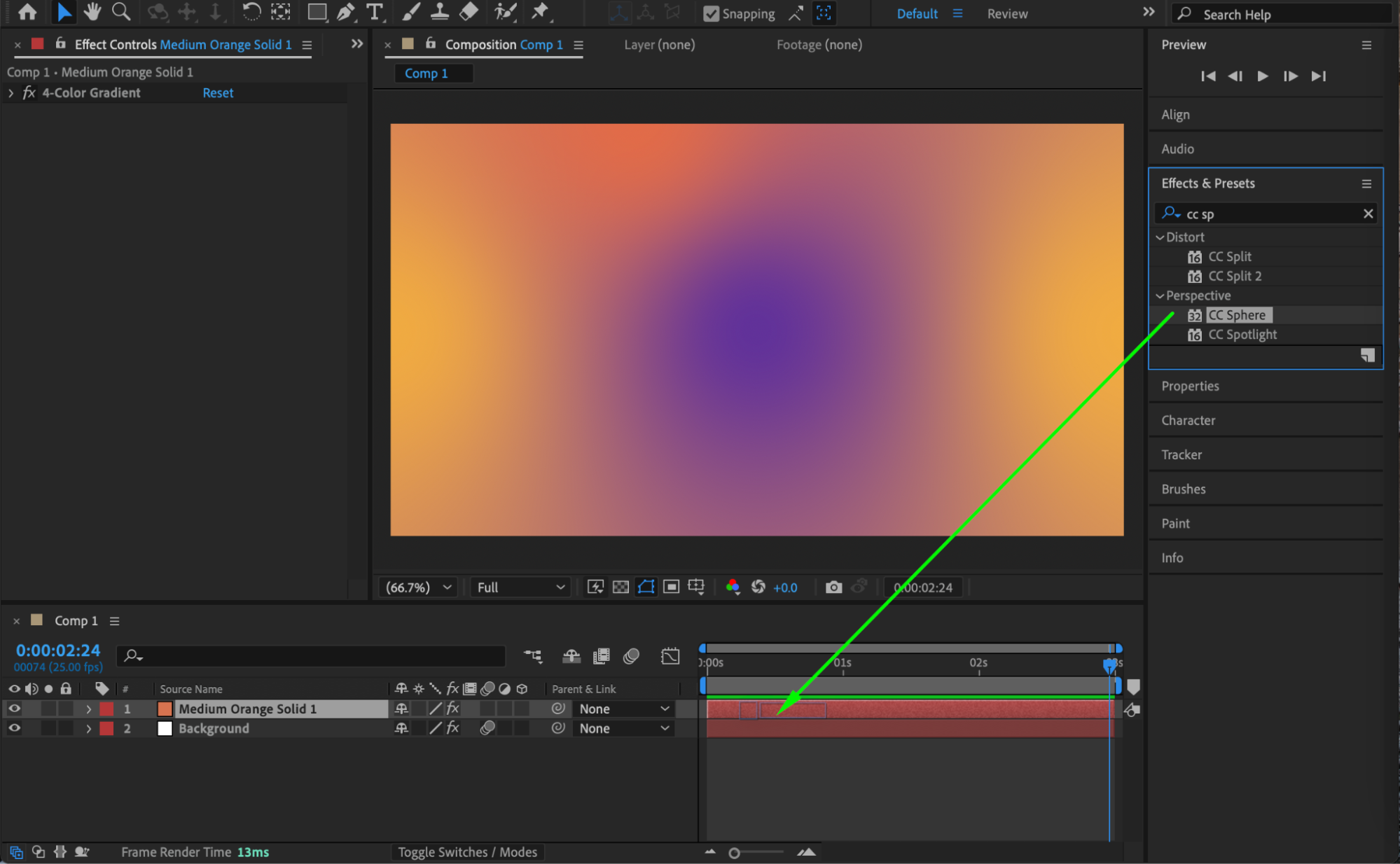
Step 5: Add Glow for Depth and Shine
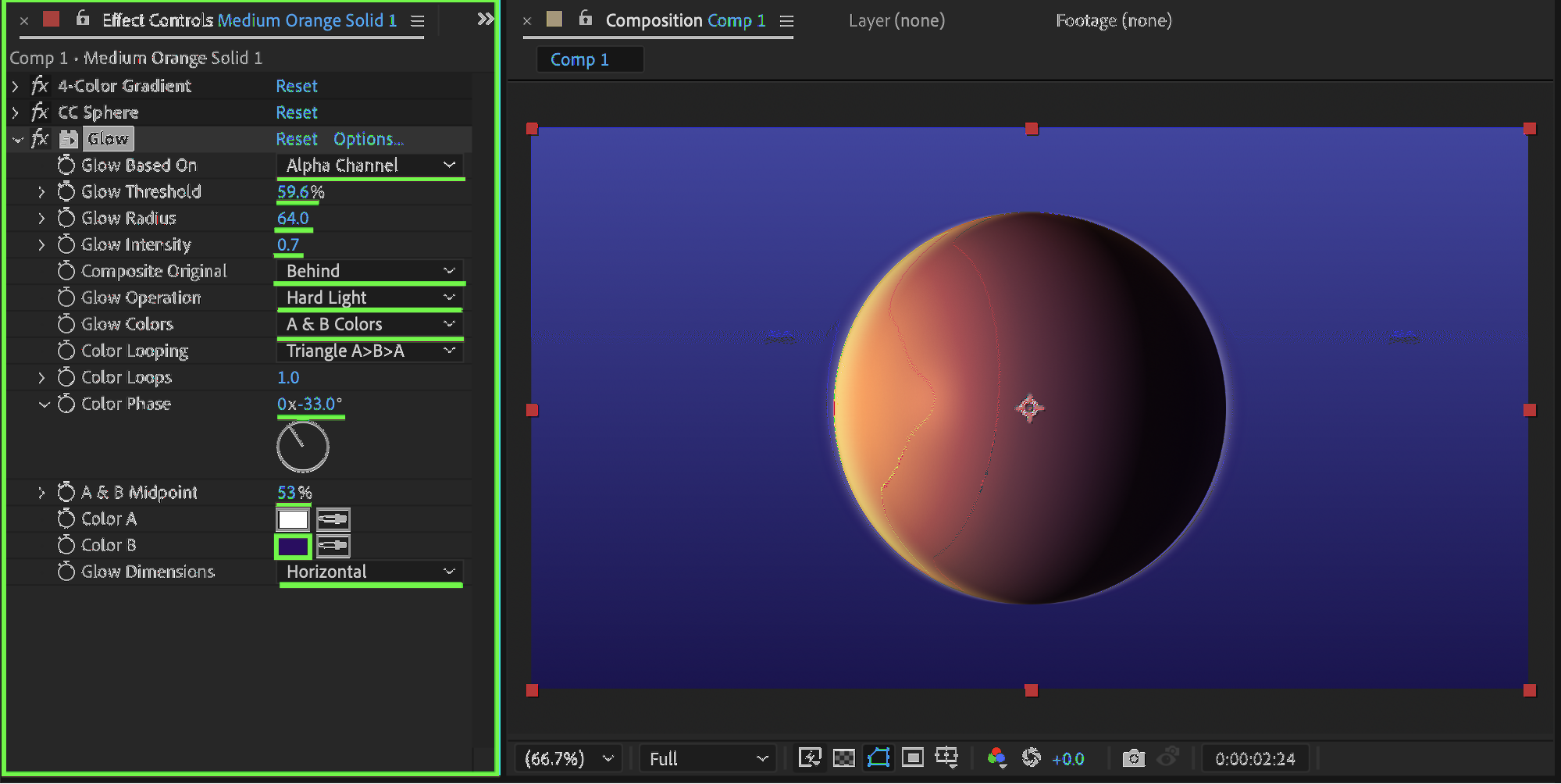
Apply the Glow effect and set Glow Based On to Alpha Channel, adjust Glow Threshold to 59, Glow Radius to 64, and Glow Intensity to 0.7, then set Composite Original to Behind, Glow Operation to Hard Light, Glow Colors to A & B Colors, Color Loops to 1, Color Phase to –33, A & B Midpoint to 53, choose Color B as Violet, and set Glow Dimensions to Horizontal to enhance depth and lighting.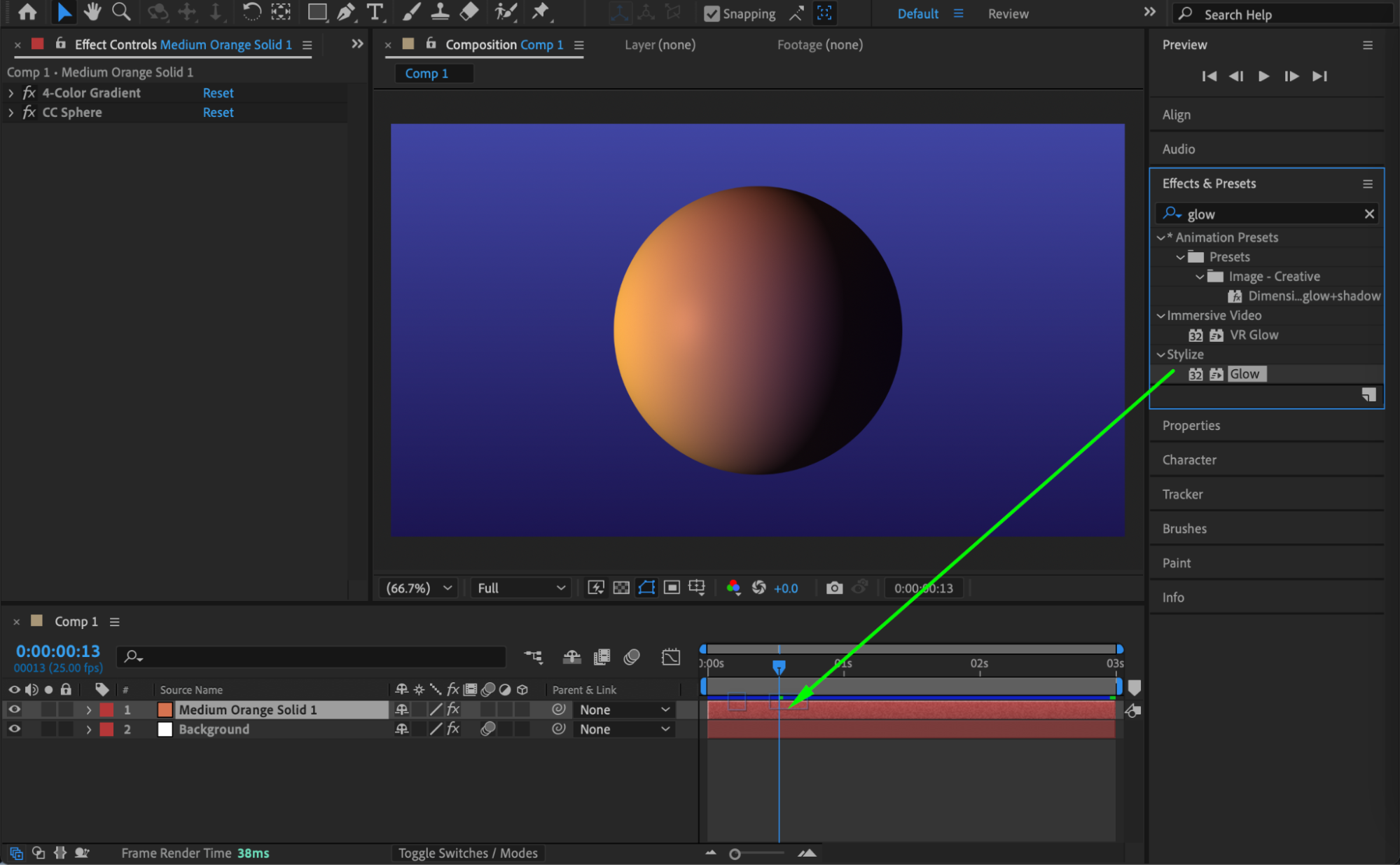
 Step 6: Preview the Animation
Press Spacebar or use RAM Preview to play the animation and adjust glow or rotation values if needed for a smoother and more polished result.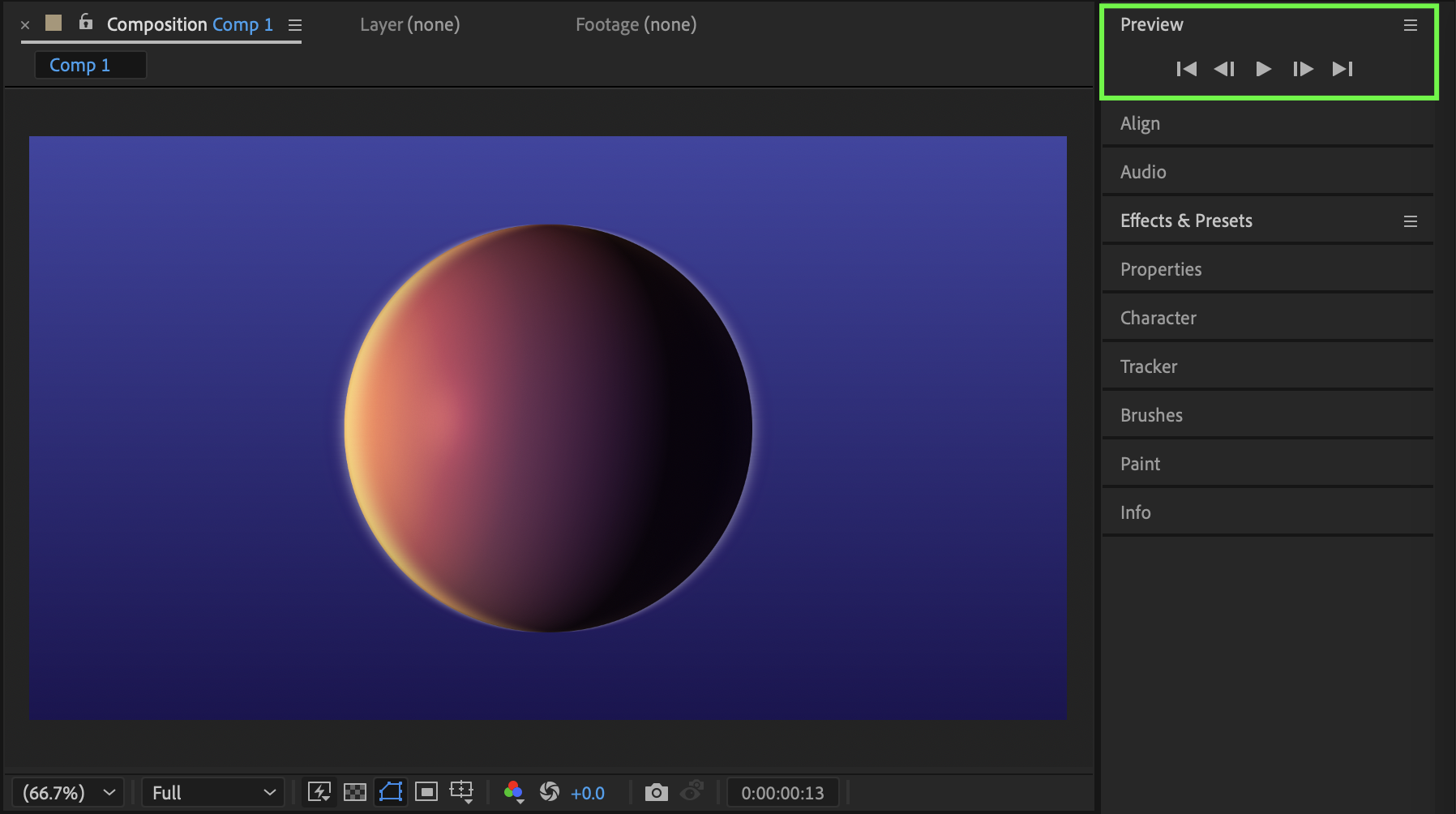 Conclusion
By combining a gradient texture with CC Sphere rotation and carefully adjusted Glow settings, you can create a professional-looking animated sphere in After Effects. This technique is ideal for backgrounds, motion graphics elements, or futuristic design compositions.
Our Bestsellers
Our Bestsellers


